Surgically blocks short-form feeds (YouTube Shorts, Reels, TikTok, X, Reddit), distracting websites, keywords, adult content, and phone Settings. Runs 100% offline in device memory.
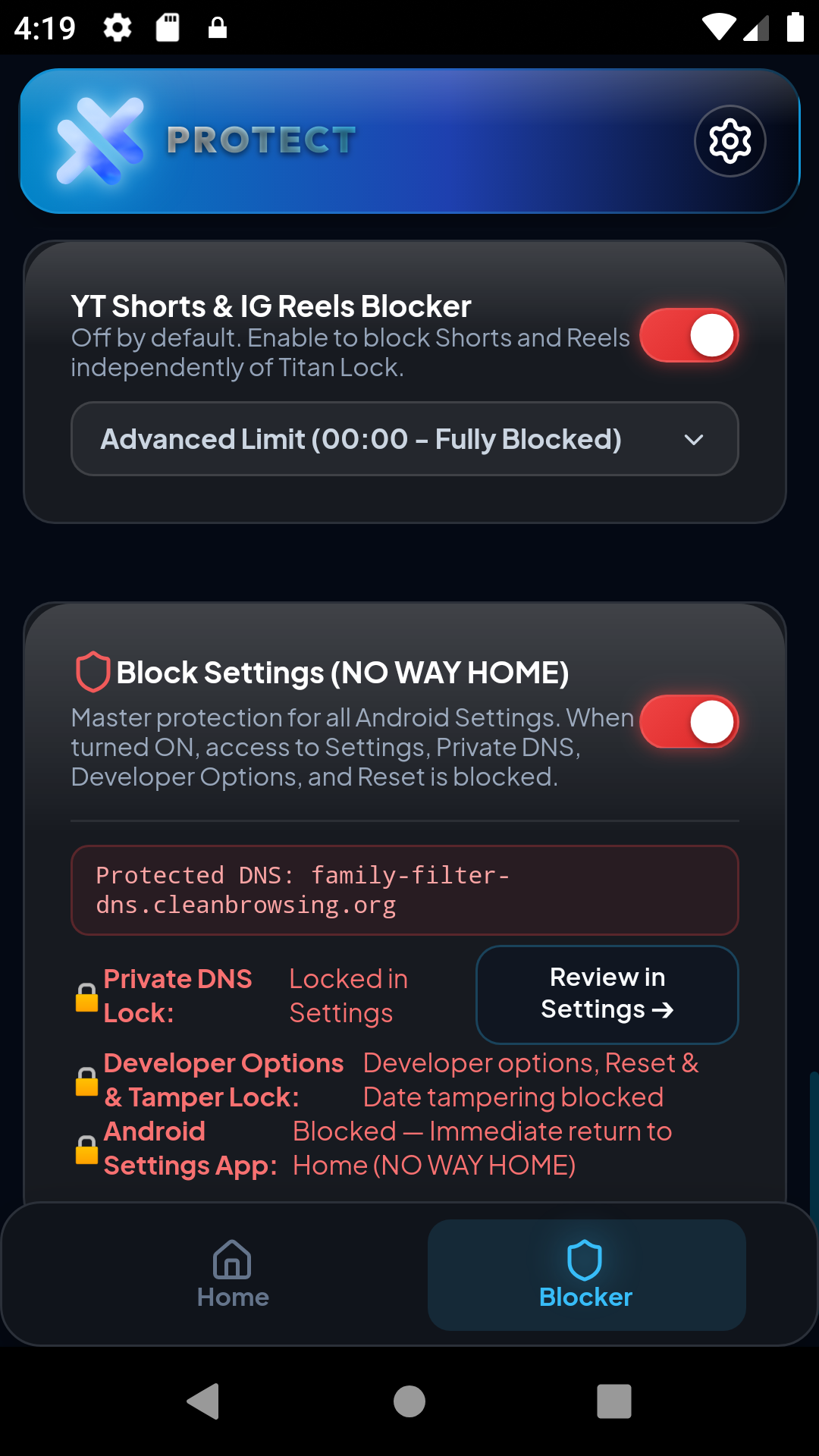
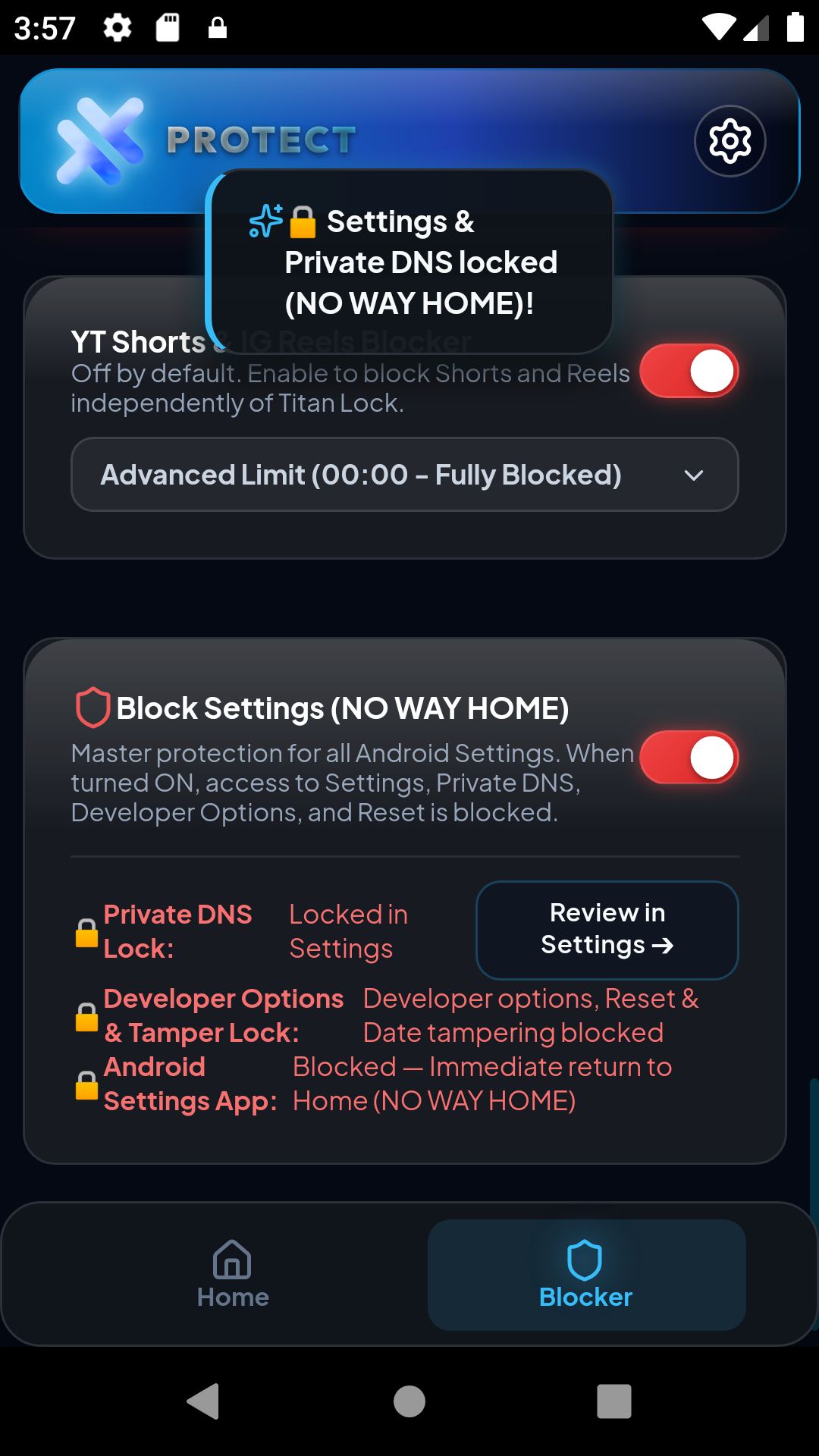
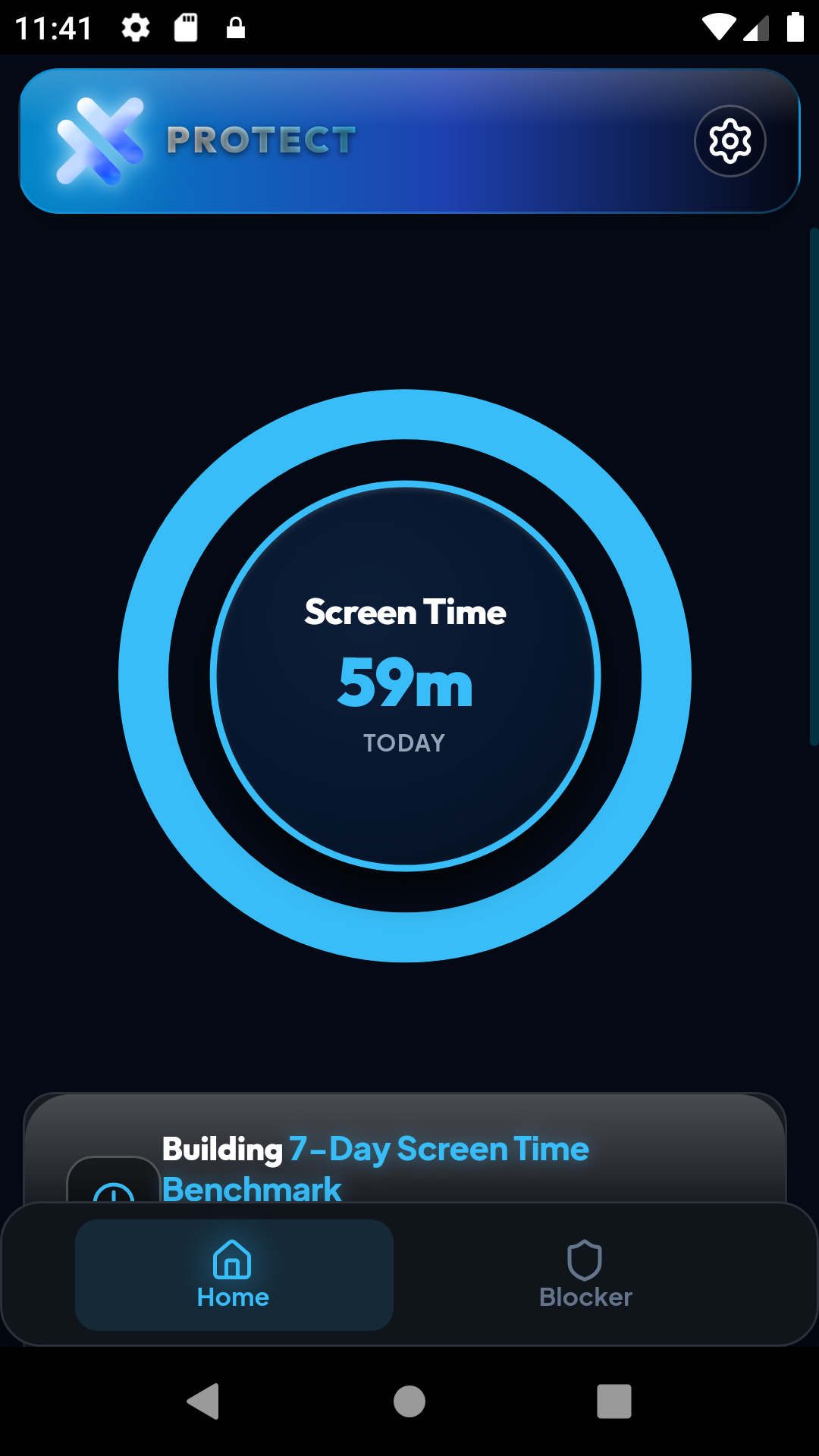
Six ironclad defenses. Zero loopholes.
Normal long videos and DMs stay open. Vertical doomscrolling on YouTube Shorts, Instagram Reels, TikTok, X, and Reddit Shorts closes in 0.05 seconds.
Stops time-wasting websites, custom trigger keywords, and adult content across browsers directly in device memory—with zero VPN overhead.
Blocks access to Android Settings and secures your Lock Screen so you cannot force-stop the app, change system clocks, or bypass active blocks.
When an impulse hits at 2 AM, you cannot delete Protect to cheat. The app stays locked in place until your timer finishes or you pass the emergency delay.
Set strict daily usage limits on games and social apps, or lock them out completely during deep work and study sessions.
Track your screen time, scroll urges, and focus streaks with deep visual insights—stored 100% offline on your phone with zero cloud spying.
Tap unlock and wait 60 slow seconds. If you still want to change settings after a full minute of calm breathing, you can. It stops fast urges dead.
Need out right now for a true emergency? Type your secret code and a 50-word mindfulness essay. It keeps you safe while stopping mindless cheats.
Every single line of blocking logic and app limits runs directly inside your phone's memory chip (RAM).
No cloud servers. No ad trackers. No analytics tokens. We never see what you watch, what you type, or what apps you use. Pull your SIM card and it still blocks 100%.
Android requires special keys so an app can block other apps and lock Settings. Here is what every key does:
Four lines. Total truth.
Test it with your own hands the second you download the app.
Turn on Airplane Mode. Zero WiFi, zero 5G.
Tap the Shorts/Reels tab or open a blocked app.
Intercepted in RAM with zero data sent.
You can remove Protect whenever your focus block finishes:
Wait until your focus block finishes (or use your 60-second breathing unlock if you need out earlier).
Open Protect → Settings → turn off Anti-Uninstall Defense using your passcode.
Drag the Protect icon to the trash bin or tap Uninstall in Android settings. Clean and gone.
Android 13, 14, and 15 show a popup called “Restricted setting”. How to unlock:
1. Open phone Settings → Apps → Protect.
2. Tap the three dots (⋮) in the top right corner.
3. Tap “Allow restricted settings” and confirm with your PIN or fingerprint.
4. Open Protect again and toggle Accessibility on. All set!
Free core protection with zero ads. Upgrade to Pro for $5 (one-time lifetime unlock) for full custom schedules and advanced shields.
Antivirus scanners look for apps that have the power to close screens and stop themselves from being uninstalled. Bad viruses abuse those same powers to harm phones. Because Protect is a strict focus blocker built to stop cheating, a few scanners trigger a false warning. But Protect contains zero viruses, zero ads, and never steals your data.
One-time payment of ₹449 ($5). Zero subscriptions, zero recurring fees. Connected directly to your Google Account.
✨ Enter the Google email you use on your Android phone. When you open Protect and tap "Continue with Google", your Pro lifetime license unlocks instantly.
Outside India or prefer PayPal?
Pay $5.00 with PayPal (International)
“We built Protect because every other app blocker was too easy to turn off. The second an impulse struck, you could delete the app in two taps and keep scrolling for 3 hours. We built a blocker with teeth that holds the line and cannot be uninstalled on an impulse, while keeping 100% of data offline on your phone.”
Every question answered in plain, honest words.
Yes! That is why Protect actually works. When you turn on Anti-Uninstall, Android prevents you from deleting the app until your timer finishes or you pass the emergency delay.
You can unlock anytime using the Emergency Escape. Either wait 60 slow seconds of breathing time, or type your passcode and a short reflection essay. This stops fast urges while keeping you safe in real emergencies.
No. Protect is tiny and lightweight. It sleeps silently in your phone's memory and only wakes for a microsecond when a new screen opens. Battery use is less than 1% per day.
No, never. Protect only checks which app or feed is on the screen. It cannot read text messages, bank apps, or passwords.
Google makes billions of dollars when people scroll YouTube Shorts. Play Store rules do not allow apps that block uninstalls or deeply limit Shorts. Distributing as a direct signed APK lets Protect give you real un-uninstallable defense.
Both! You can block entire apps (like Instagram, TikTok, Reddit, Chrome, games) or surgically block just the vertical Shorts/Reels feeds while keeping normal long tutorials open.
No account is needed to start. Core blocking works offline for free, and you can unlock Protect Pro for a one-time $5 lifetime payment (no subscriptions ever) to access custom schedules and full advanced controls.
Tapping “Delete my account” erases your email and Pro note from our verification computer immediately. The app keeps working on your phone completely offline.
We believe in simple, clean privacy. If you ever sign in to save a Pro upgrade, you can tap “Delete my account” inside Settings at any time. It erases your email and Pro note forever.
This website, our Android app, and our legal privacy policy use the exact same four sentences:
• Your email, only if you sign in
• A yes/no note: “this person has Pro”
• We never see what you watch
• We never see which apps you block, or what you type